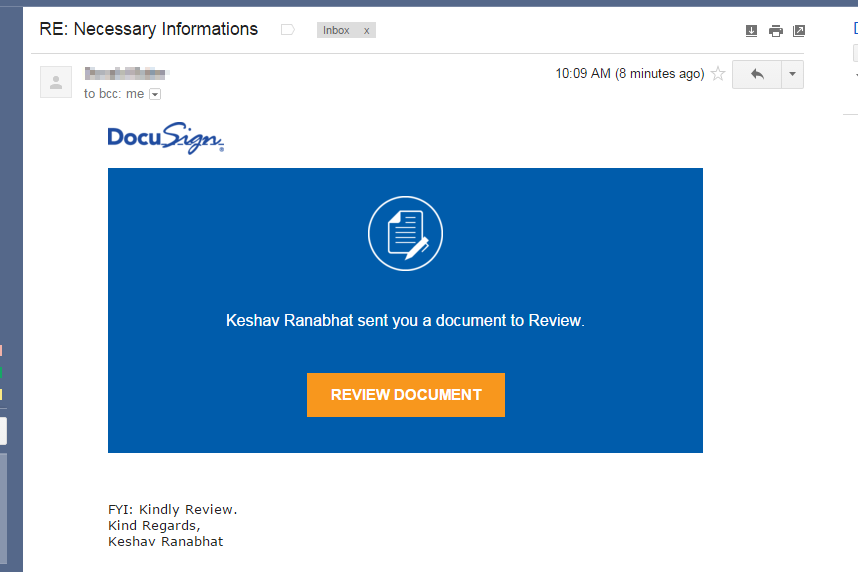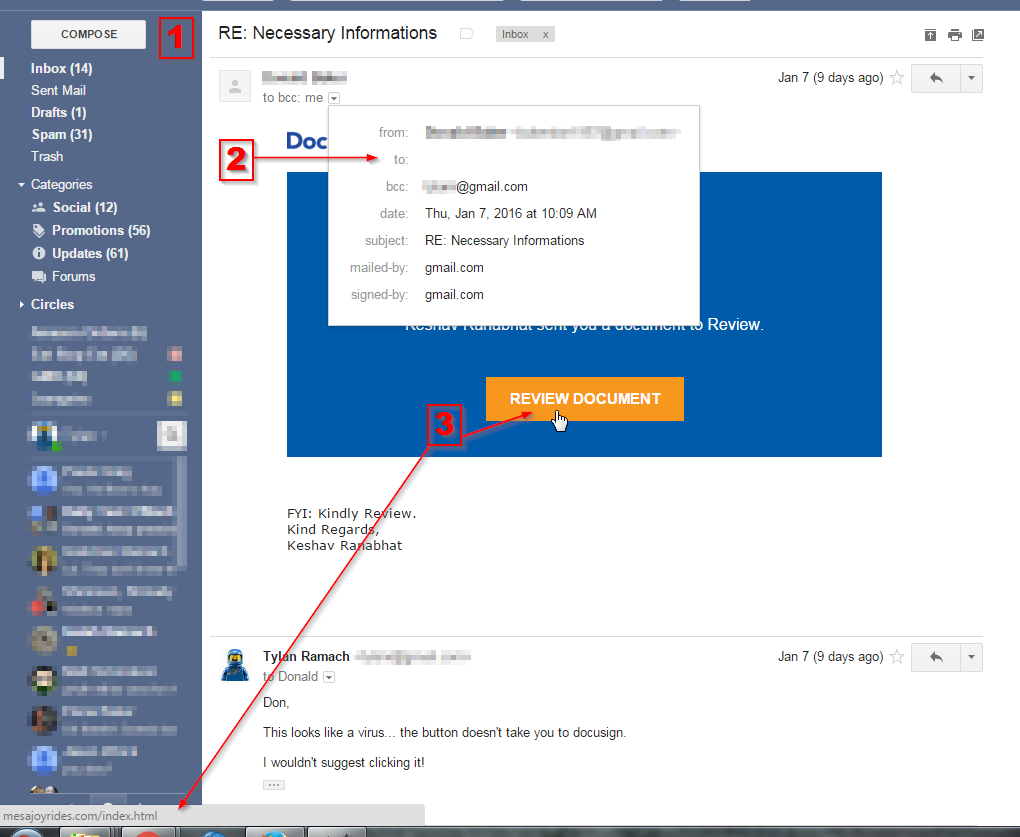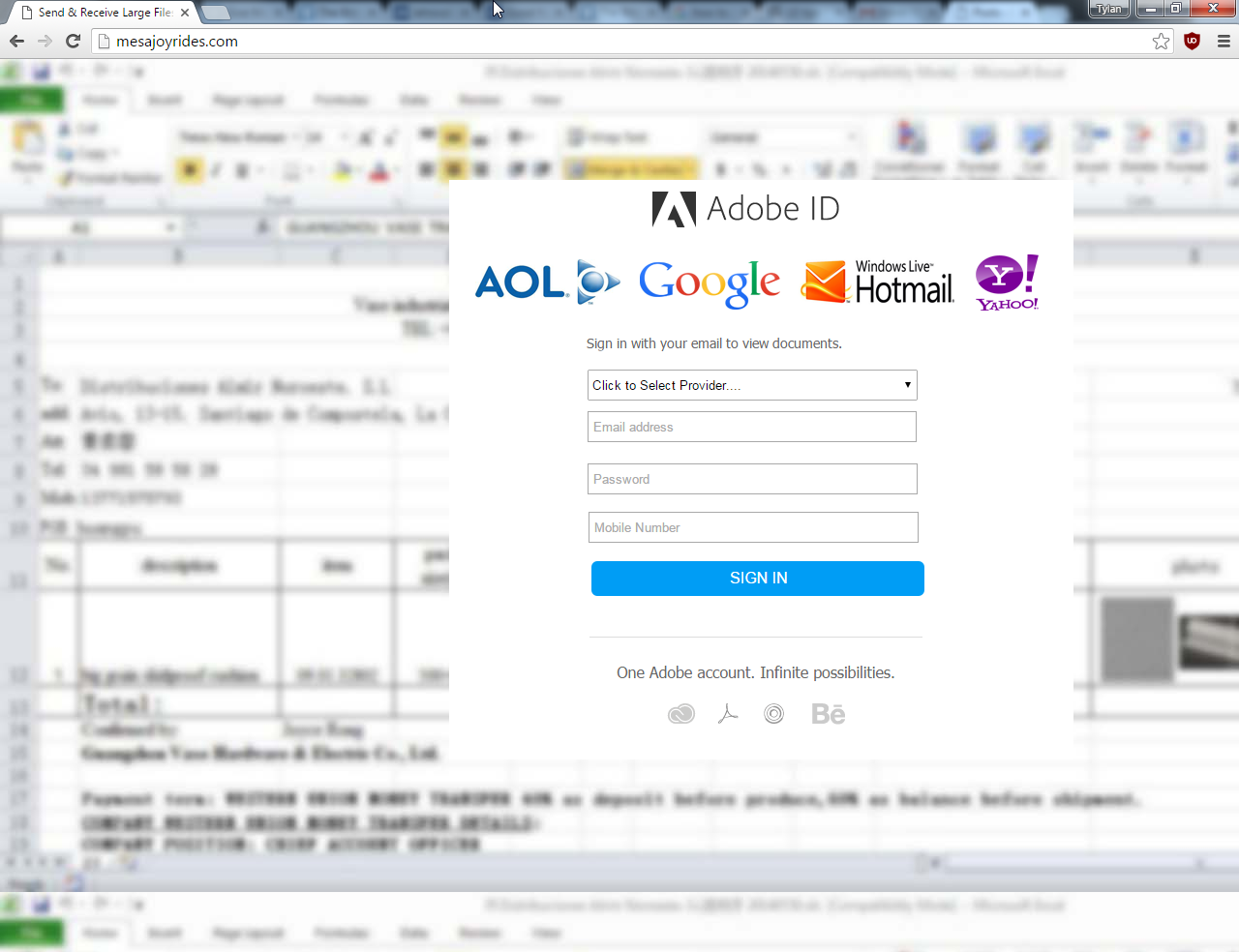

Here’s a new scam that’s been floating around recently, but the new twist makes it more believable. I’m pasting the contents of an actual email with the user’s password redacted. (Typos and poor English in tact)
I am aware, <substitute password formerly used by recipient here>, is your password. You may not know me and you are most likely thinking why you’re getting this email, correct?
actually, I setup a malware on the adult video clips (sexually graphic) web site and guess what, you visited this web site to have fun (you know what I mean). While you were watching video clips, your internet browser initiated functioning as a RDP (Remote Desktop) with a key logger which provided me access to your display screen as well as web cam. Just after that, my software program gathered your complete contacts from your Messenger, social networks, and email.
What did I do?
I created a double-screen video. First part displays the video you were watching (you have a fine taste : )), and 2nd part displays the recording of your webcam.
exactly what should you do?
Well, I believe, $1900 is a reasonable price for our little secret. You’ll make the payment through Bitcoin (if you do not know this, search “how to buy bitcoin” in Google).
BTC Address: 1JHwenDp9A98XdjfYkHKyiE3R99Q72K9X4
(It is cAsE sensitive, so copy and paste it)Note:
You have one day in order to make the payment. (I have a specific pixel in this email message, and at this moment I know that you have read this mail). If I do not get the BitCoins, I will, no doubt send out your video recording to all of your contacts including members of your family, colleagues, and many others. However, if I receive the payment, I will destroy the video immidiately. If you need evidence, reply with “Yes!” and I will send out your video to your 5 contacts. It’s a non-negotiable offer, that being said please do not waste my time and yours by replying to this mail.
This is considered a sextortion scam by the FBI, and that tells us it’s not really anything new. There’s a possibility your computer could have malware… sure. However, this email shows up on computers that are clean, and have never visited a porn site. These guys are just betting that you did something online that you wouldn’t be proud of – or want your contacts to know about. One of the largest porn websites reports 75 million visitors a day. So, you can see why they use this angle to scare you into paying them. The part that is new is that you may find one of your actual passwords in this email.
Let’s talk about the password. Should you be concerned? Yes, at least a little. Start by changing that password on any website you used it. Then take a deep breath and relax. Now, stop worrying. What’s going here is that one of your past / present passwords has been breached. Most likely you had to sign up on a website in the past and give a username / password to access their content etc. Time passes and they get hacked. Then your info shows up online, and these scammers use it against you.
You can check if your info has been part of a breach here: https://haveibeenpwned.com
I checked with my personal email account and my email address was found on 5 breached websites.
tl;dr What’s the point?
- Don’t use the same password everywhere. We all use just a few passwords. Try to use more. Consider a password manager like lastpass, dashlane, or 1password.
- Make use of 2 Factor Authentication like Google Authenticator or at least enable the “sms code” on your other accounts (Facebook, etc)
- In my opinion: keep your email account password and financial passwords different from your common ones you use elsewhere
Stay safe out there. Stay suspicious of everything online.