

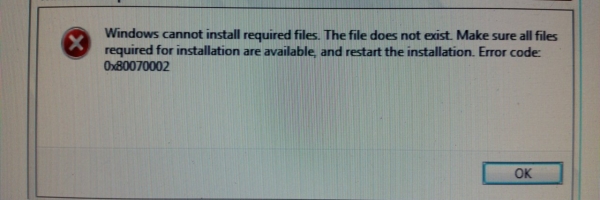
There are a lot of posts on this error message, but not many relating to a Windows 10 clean installation. This computer was all new hardware, and most importantly a new hard drive.
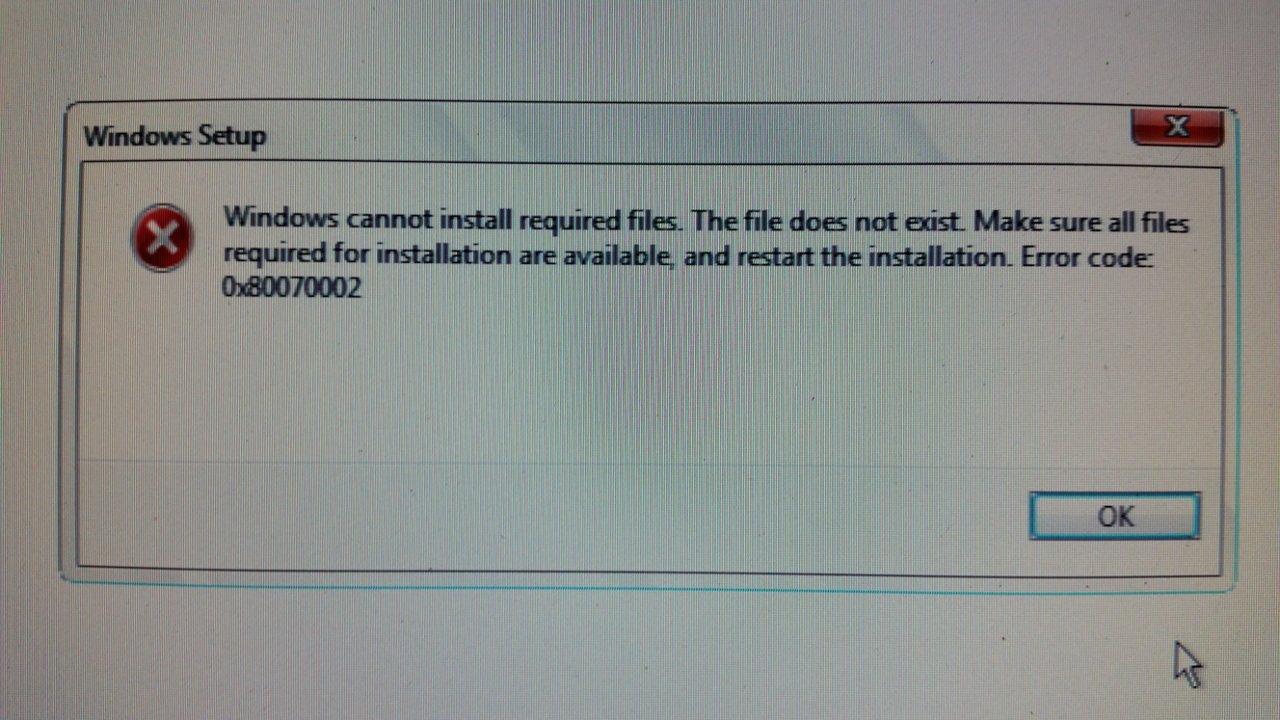
Windows cannot install required files. The files does not exist. Make sure all files required for installation are available, and restart the installation. Error code: 0x80070002
The message gives you an idea that it could be related to a drive that went offline or maybe scratched DVD. Here’s the problem, I wasn’t installing from DVD…
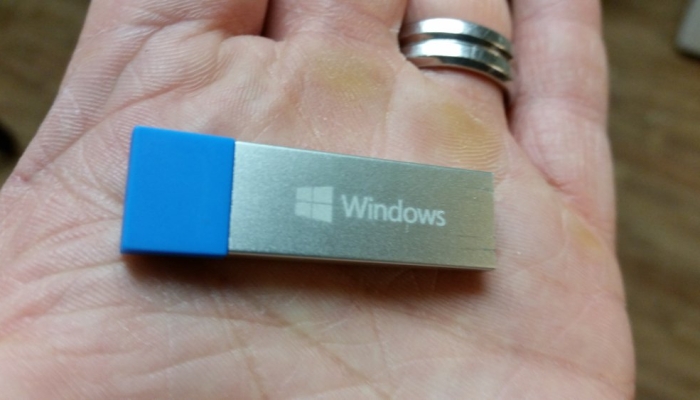
So, it seemed as though the media shouldn’t be the problem. I tried disconnecting any hardware that wasn’t essential, and I still got that crash at random points in the early part of Windows 10 installation. I read several different KB articles and Microsoft community posts and they mostly referred to Windows 10 upgrades.
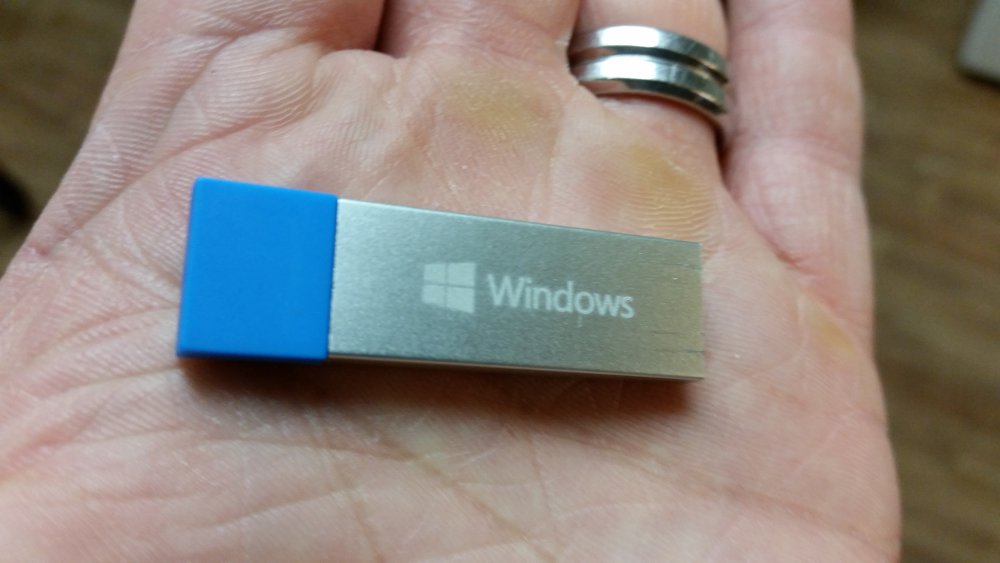
I ended up downloading Windows 10 and making my own installation media. I used my own USB flash drive, not the Microsoft one.
Here’s a link to the tool: https://www.microsoft.com/en-us/software-download/home
I would guess that the official Micorosft USB flash drive wasn’t defective as much as an old build of Windows 10. I’m guessing it’s close to the RTM version, not where we are a few months down the road.
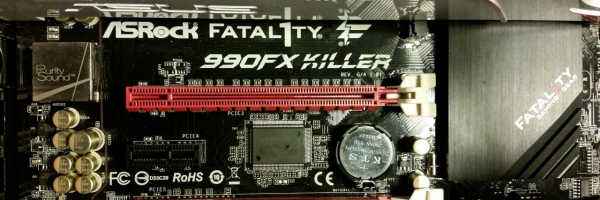
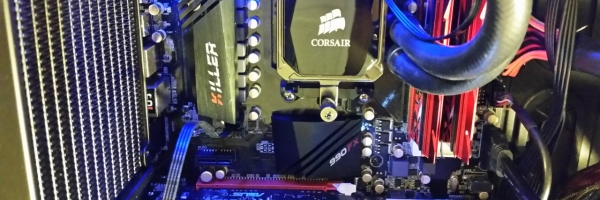
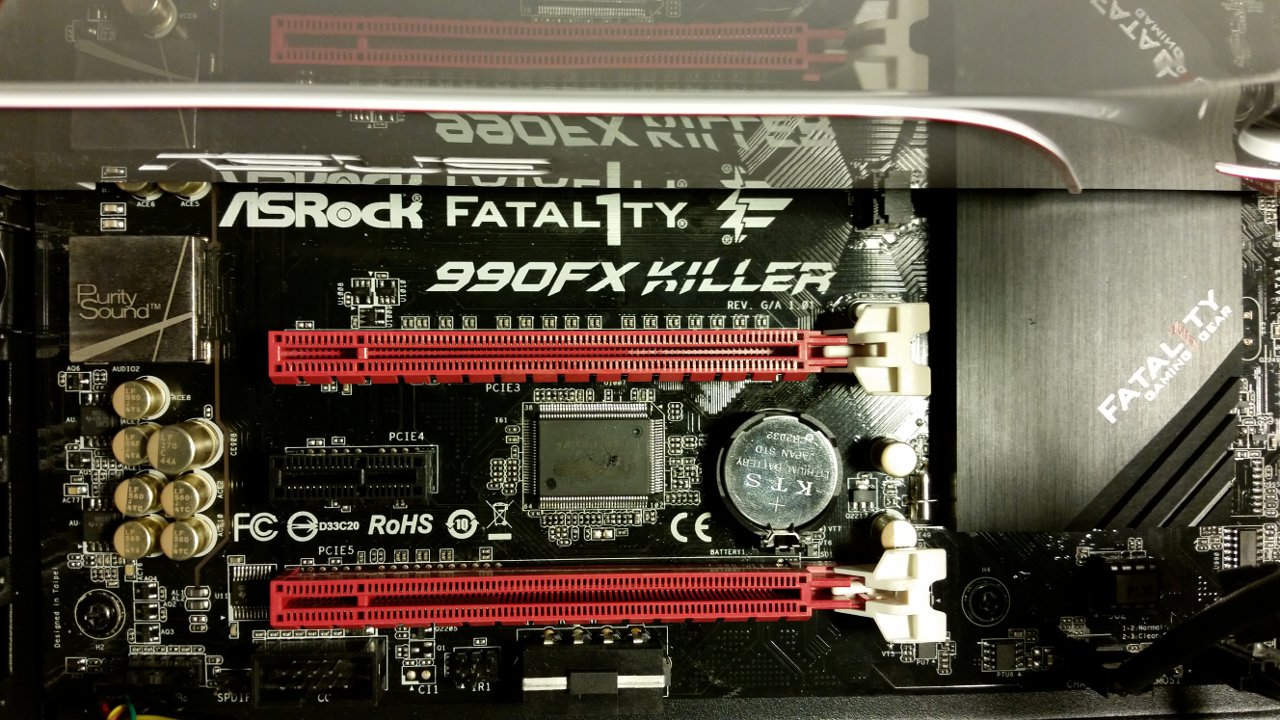
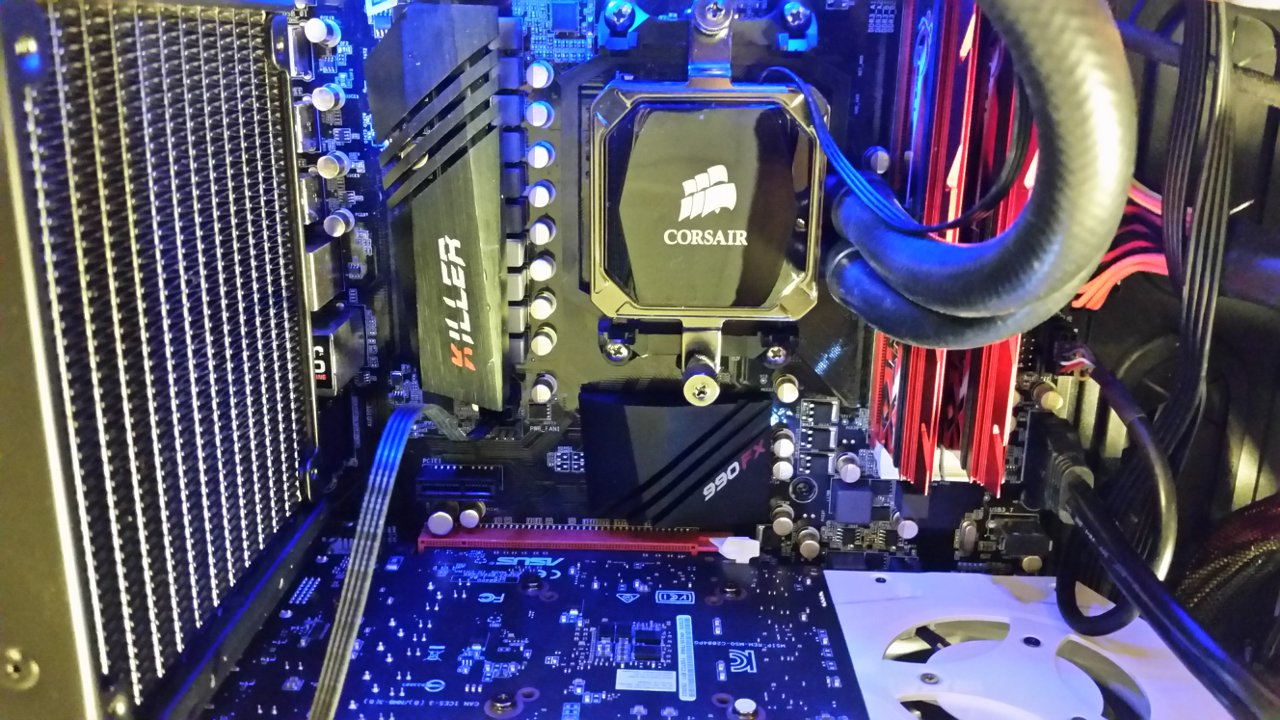
For what it’s worth, here’s the specs on the system I was working on (just in case someone else Googles this same error on the same hardware:
Motherboard:
990FX KILLER/A/ASRK
Part No: 90-MXGST0-A0UAY1Z
Processor: AMD FX 8350
Frequency: 4.0/4.2GHZ (Base/Overdrive)
Cores: 8
Cache: 8/8MB (L2/L3)
Socket Type: AM3+
Power Wattage: 125W
FD8350FRHKBOX
Memory: G.Skill TridentX F3-2400C10D-8GTX
DDR3-2400 CL10-12-12-31 1.65v
PC3-19200 4Gx2 Intel XMP Ready
Video:ASUS Turbo GeForce® GTX 970 graphics
TURBO-GTX970-0C-4GD5
Power: Corsair CS450M